Main Profile Capture
Start a new drawing by capturing the main profile of the sample.
| Icon | Description |
|---|---|
 |
Capture Profile |
Switch to Capture Profile mode to begin real-time profile acquisition. Hold the sample under the laser and align the laser line with the vessel's original axis of symmetry for accurate reconstruction.
Adjust parameters and UI controls as needed to achieve optimal results. See Profiling Setup. When satisfied, capture the profile using the Capture button or the foot switch.
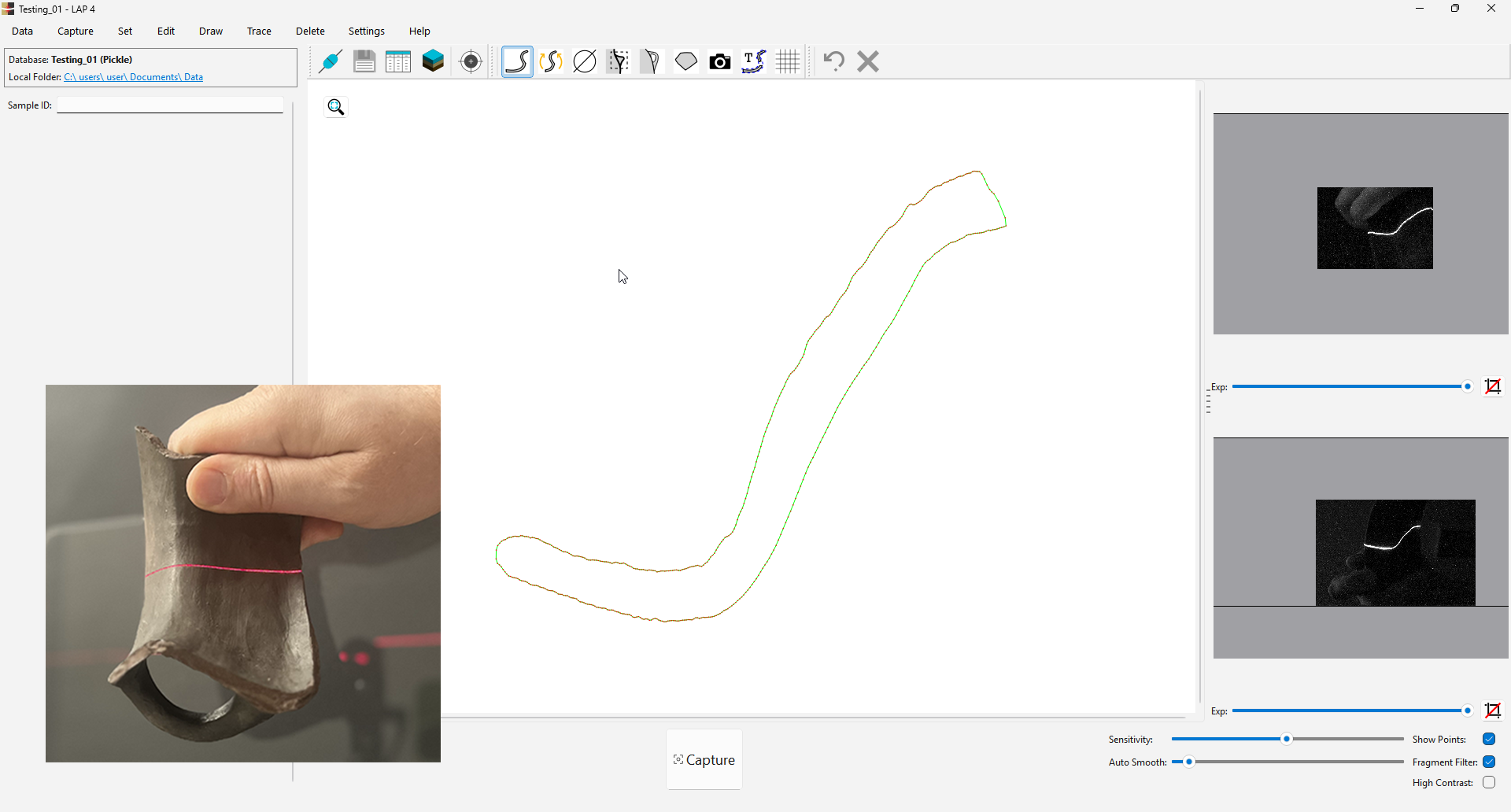
💡Tip: Position the rim part of the fragment near the center of the projected laser line for optimal illumination and camera visibility.
Refine the Profile
Use the available tools to refine the captured profile as needed.
- Smoothen - enhance line smoothness.
- Paint Profile - fill missing profile parts.
- Erase Profile - remove excessive data.

💡Tip: If profile data is incomplete, try one or more of the following:
- Redraw missing sections manually using Paint Profile.
- Reposition the rim part of the fragment near the center of the projected laser line for improved illumination.
- Increase Sensitivity to capture low-intensity areas on curved surfaces.
- Take multiple shots from different angles and merge the results - see Join Profile Segments.